




Automate Lead Follow-Ups Without Sounding Robotic
Lead Follow-Up, Marketing Automation, CRM
How to Follow Up With Leads Automatically Without Sounding Robotic
Automated follow-up can be the difference between a lost opportunity and a new client — but only if it still feels human. The good news: with the right strategy, tools, and messaging, you can put your follow-ups on autopilot without turning into a robot in your customers' inboxes.
Executive Diagnostic: Does Your Follow-Up Feel Human?
Ask yourself:
Do new leads hear from you within five minutes?
Are follow-up messages personalized beyond just a first name?
Do different lead sources receive different nurture sequences?
Can you see all interactions in a single CRM timeline?
Would your customers know the messages are automated?
📌 Key Takeaway: If your automation feels generic, you're likely losing qualified leads before the sales conversation even begins.
Why "Set It and Forget It" Follow-Up Fails
Most small and medium-sized businesses in Canada lose leads for the same reason: they don't have time to follow up consistently. That's exactly what a marketing CRM like LeadMagno is built to solve — but automation alone isn't enough. If your messages feel generic, pushy, or obviously templated, people tune out quickly.
The goal is smart automation: systems that handle the timing and delivery, while your brand voice, empathy, and value shine through. Think of it as a digital assistant that never forgets a follow-up, powered by a strategy that feels like a real conversation.
Human Follow-Up Automation Framework
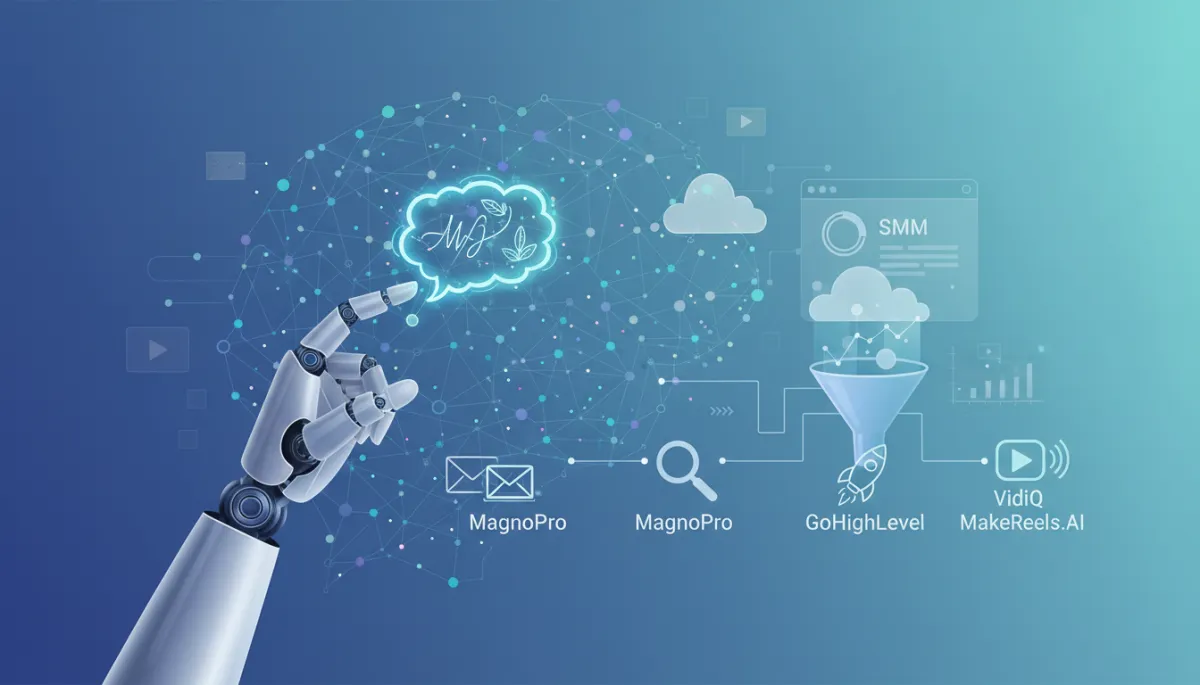
Use this simple framework to design follow-ups that feel human, then implement it inside LeadMagno or a platform like GoHighLevel as your core CRM automation engine.
Lead Captured — A prospect opts in from an ad, landing page, or social content. Make sure every source is connected to your CRM, whether that's a content strategy funnel, a local visibility system, or paid campaigns from channels like TikTok Ads.
Immediate Acknowledgement — Within five minutes, send a friendly confirmation via email or SMS using MagnoPro automation or a GoHighLevel annual plan. Confirm what they requested and set expectations on what happens next.
Helpful Content — Over the next few days, deliver short, relevant resources that match their intent: a blog from your content marketing strategy, a YouTube video you optimized with VidIQ, or a quick reel created with MakeReels. This is where thoughtful nurturing beats hard selling.
Personal Check-In — After a few touchpoints, send a short, conversational message that feels one-to-one. Use AI assistants such as GoHighLevel AI or voice AI to draft copy, then refine it to sound like you.
Booking Invitation — When the timing is right, invite them to a low-friction next step: a discovery call or a structured marketing strategy session via your dedicated LeadMagno booking link. You can even layer in booking reminders with SMS tools like Moosend or Brevo.
Ongoing Nurture — Not everyone buys right away. Keep delivering value through email, SMS, and social touchpoints supported by your social media marketing and tools such as ManyChat, Zapier automation, and AI-powered content workflows.
Customer — Once they become a client, keep them in a dedicated post-sale pipeline inside LeadMagno or GoHighLevel SaaS for onboarding, upsells, and referrals. This is where CRM automation, proposal tools like PandaDoc, and modern phone systems work together.
📌 Key Takeaway: Frameworks make it easier to translate strategy into automation — especially when you're implementing inside all-in-one platforms like LeadMagno or GoHighLevel Pro.
Step 1: Map the Human Journey Before You Automate
Before you build any workflow, get clear on what your ideal follow-up would look like if you handled it manually. For example:
A quick "thanks for reaching out" within 5–10 minutes of a form submission
A helpful resource related to what they asked about within 24 hours
A gentle check-in a few days later, asking if they have questions
Tools like MagnoPro from LeadMagno and all-in-one platforms such as GoHighLevel help you turn this journey into automated pipelines — but the human script comes first. If you want expert help mapping that journey, a digital consultancy session can accelerate the process.
Step 2: Personalize With Data, Not Just First Names
Using someone's first name is table stakes. To avoid sounding robotic, personalize based on context:
What page or offer did they opted in from (e.g., "social media audit," "local SEO guide")
Their industry, location, or business size
The channel they came from (TikTok, Instagram, Google Ads, etc.)
A strong content marketing strategy gives you the assets to match each context: blog posts, videos, and guides that your automation can send based on what a lead is actually interested in. Platforms like Semrush and VidIQ can help you discover the topics your audience is already searching for and watching.
Step 3: Write Like You Talk (Then Template It)
Robotic messages usually come from robotic writing. Instead of starting with a blank email editor inside your CRM, open a document and write as if you were emailing a single ideal client. Use:
Short sentences and clear language
Natural phrases you'd say on the phone ("Quick question for you…", "No pressure, just wanted to check in.”)
One clear call to action per message
Once it feels conversational, turn it into a reusable template inside LeadMagno or a system like GoHighLevel Pro. You can then add personalization tokens (name, company, offer) without losing the human tone.
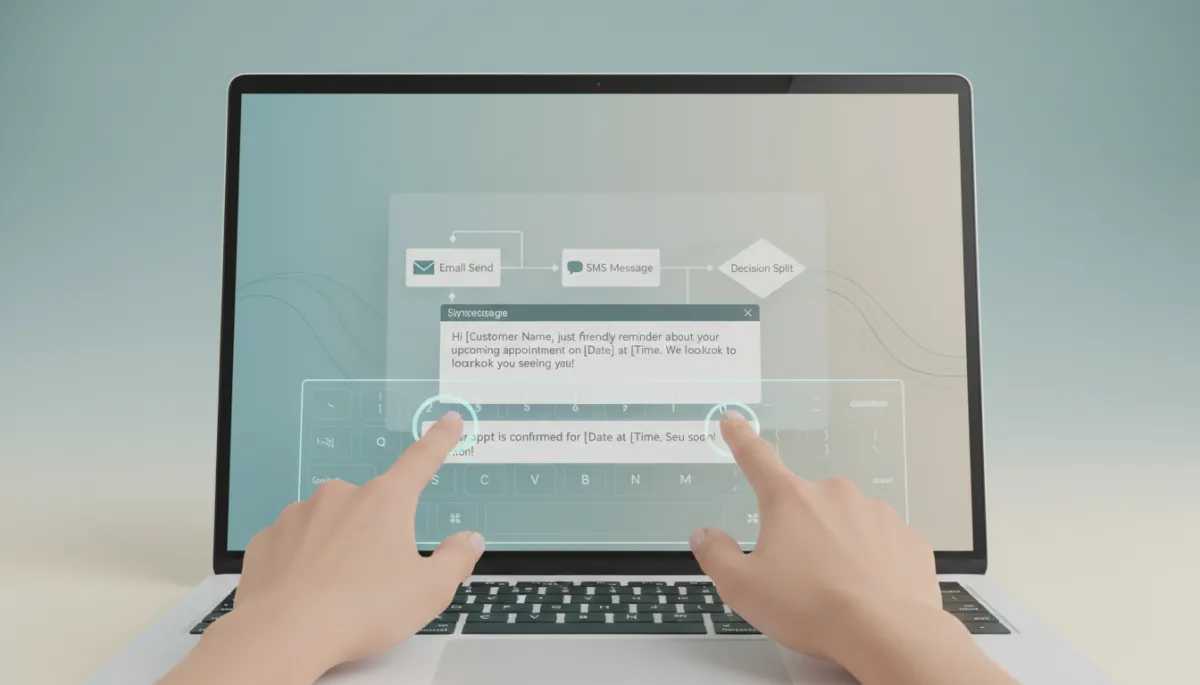
Start with natural language, then scale it through templates and smart automation.
Step 4: Mix Channels to Match How People Actually Respond
Not every lead wants a phone call, and not everyone checks email daily. Human follow-up respects preferences. A modern marketing CRM lets you combine:
Email sequences for education and longer explanations
SMS for quick reminders and confirmations, powered by tools like Moosend or Brevo
Social DMs and comments via smart tools like ManyChat and a solid social media marketing strategy
When your workflows are centralized in LeadMagno or a platform like GoHighLevel SaaS, you see the full conversation history across every channel — which means your messages feel consistent and personal, not fragmented or spammy.
Step 5: Use AI as an Assistant, Not a Replacement
AI can help you draft, summarize, and refine follow-up messages, but it shouldn't erase your brand personality. Tools like GoHighLevel AI, voice AI assistants, and video tools such as MakeReels or InVideo can help you produce content faster — but you should still review and tweak the final message so it sounds like you.
💡 Pro Tip: Save your best-performing replies as templates, then let AI suggest variations for different industries or offers while you keep control over tone.
Contrarian Insight: More Messages Don't Create More Sales
It's easy to assume that if a few follow-ups work, more will work even better. In reality, flooding inboxes with generic automation usually hurts your brand and your metrics.
The best-performing businesses send fewer, more relevant messages that arrive at the right moment — informed by CRM data, content engagement, and intent signals from tools like Semrush, Seamless.ai, or call tracking within platforms such as GoHighLevel Bootcamp setups.
📌 Strategic Takeaway: Better timing and relevance always beat higher volume. Use your CRM and analytics to send the next best message — not just the next scheduled one.
Real-World Example: Calgary Accounting Firm
A mid-sized accounting firm in Calgary was investing in Google Ads and local SEO but was still missing opportunities. Leads were filling out contact forms and calling after hours, yet only a fraction of them resulted in booked consultations.
Before Automation
Manual email replies crafted one by one
Missed inquiries when staff were in meetings or out of the office
Slow response times — sometimes 24–48 hours
No centralized view of calls, emails, and form submissions
After LeadMagno Implementation
Automated SMS acknowledgement in under one minute for every new inquiry
Educational email sequence built from a targeted content strategy — tax tips, small business checklists, and short explainer videos produced with InVideo
Booking reminders and confirmation texts linked to their LeadMagno-powered calendar
CRM task assignments so team members always knew who owned the next step
Results After 90 Days
43% more booked consultations from the same ad spend
61% faster first-response time across all channels
Fewer missed opportunities and a clearer view of the customer journey
If you want a similar implementation, you can start with a focused LeadMagno demo or explore a full digital consultancy engagement to map your end-to-end automation.
Follow-Up Metrics That Matter
To know whether your "human" automation is working, track metrics in LeadMagno or in an AI-powered CRM stack such as GoHighLevel, with growth plans integrated with tools like SentryPC or cloud hosting.
First Response Time — How quickly does a new lead hear from you?
Reply Rate — What percentage of contacts respond to at least one message?
Booking Rate — How many leads book a call, demo, or consultation?
No-Show Rate — How often do people miss scheduled appointments, even with reminders?
Sales Conversion — What percentage of opportunities turn into paying customers?
Revenue Per Lead — How much revenue does each new contact generate on average?
Time to Close — How long does it take for a typical lead to become a customer?
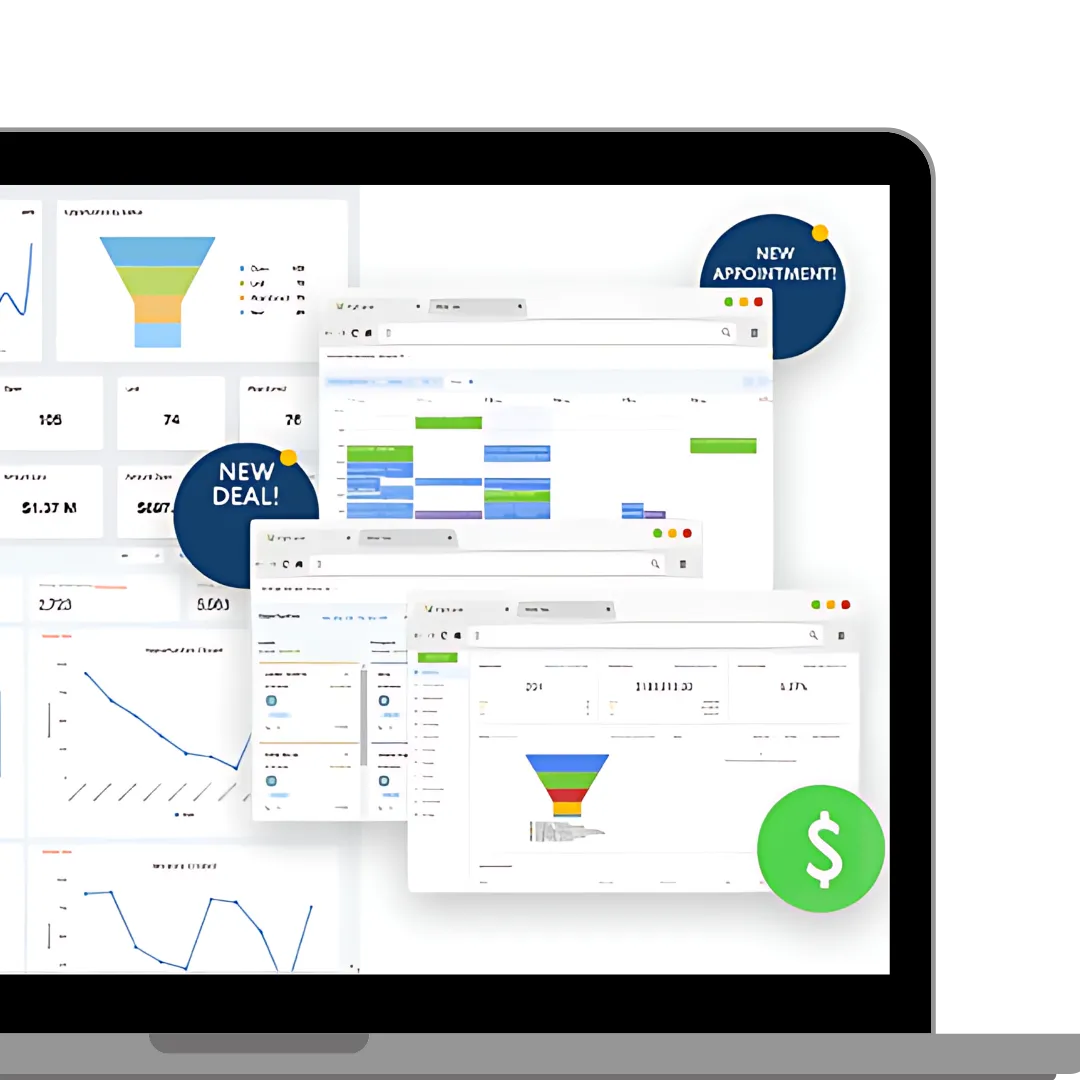
📌 Key Takeaway: The goal isn't sending more messages — it's booking more qualified conversations and closing revenue faster. Your CRM should make these metrics visible in a single, easy-to-read dashboard.
Step 6: Always Lead to a Clear Next Step
Even the most human-sounding follow-up won't convert if it doesn't guide the lead to action. Every automated message should answer the question: "What should they do next?" That might be:
Booking a call or strategy session — for example, through LeadMagno's strategy session link
Watching a short explainer video or case study
Replying with a simple "yes" or a number that matches their situation
When you design your workflows in LeadMagno or during a marketing strategy session, map these micro-commitments carefully. Clear, low-friction next steps feel helpful — not salesy.
Turn Missed Opportunities Into Measurable Growth
Following up automatically without sounding robotic isn't about fancy tech alone. It's about combining:
A clear, human-centred follow-up journey
Conversational copy rooted in your real voice
Smart automation inside a purpose-built CRM like LeadMagno
LeadMagno was built to help Canadian businesses capture, nurture, and convert more leads — without juggling dozens of disconnected tools. From email and SMS sequences to pipeline management and reporting, you get a single dashboard that works as hard as you do, so no lead slips through the cracks.
Future Outlook: AI Makes Follow-Up Even More Human
The next generation of AI-powered CRMs will go far beyond basic sequences and time delays. Platforms like LeadMagno, paired with AI ecosystems such as GoHighLevel AI and specialized tools like Jogg.ai, are already pointing toward a future where your systems can:
Detect buying intent automatically based on behaviour across email, SMS, and social
Adjust messaging in real time based on sentiment and engagement patterns
Predict the best follow-up time for each contact using historical data
Recommend next-best actions for your team inside the CRM interface
Personalize every conversation automatically while preserving your brand voice
Businesses that combine AI with authentic communication — not one or the other — will win the follow-up game. That means using automation to do the heavy lifting while you stay focused on strategy, offers, and relationships.
FAQ: Automated Lead Follow-Up
What is automated lead follow-up?
Automated lead follow-up uses a CRM and marketing automation tools to send timely, relevant messages — via email, SMS, and other channels — without you having to send each one manually. Platforms like LeadMagno or GoHighLevel trigger workflows based on actions such as form fills, link clicks, or missed calls.
How many follow-ups should I send?
Most service businesses see strong results with 5–10 touchpoints in the first 7–14 days, followed by a lighter nurture rhythm. The exact number depends on your sales cycle, offer, and audience. A structured digital consultancy can help you design the right cadence for your market.
Should I use SMS or email?
Use both — but for different purposes. Email is ideal for education, longer explanations, and content assets driven by your content strategy. SMS works best for quick reminders, confirmations, and short check-ins. Tools like Moosend and Brevo integrate well with modern CRMs.
Can AI write follow-up messages?
Yes. AI tools such as GoHighLevel AI, Jogg.ai, and voice AI assistants can draft, summarize, and repurpose copy. The key is to treat AI as a writing assistant — you still review, edit, and align everything with your brand voice before it goes live.
How quickly should I follow up?
Aim to respond within five minutes of a new inquiry whenever possible. Response time has a direct impact on conversion rates. With automation from LeadMagno or GoHighLevel annual plans, you can acknowledge leads instantly even when your team is busy.
Does LeadMagno automate follow-up?
Yes. LeadMagno is built specifically to automate follow-up for Canadian businesses. You can email and SMS sequences, manage pipelines, centralize communication, and integrate with tools like ManyChat, Zapier, and more — all from one dashboard.
Where should I go next if I want to go deeper?
If you're exploring CRM automation, marketing automation, or AI CRM platforms, consider comparing GoHighLevel Pro trials with white-label options or booking a LeadMagno strategy session to design your customer journey automation end-to-end.
If you're ready to see what human-looking automation could do for your business, book a free demo today and let LeadMagno show you how to turn more of your hard-earned leads into loyal clients.


Facebook
Instagram
X
LinkedIn
Youtube
TikTok