






How to Build a Ticketing System in GoHighLevel (GHL) Using LeadMagno (Step-by-Step Guide)
How to Build a Ticketing System in GoHighLevel (GHL) Using LeadMagno (Step-by-Step Guide)
Stop Losing Customer Requests & Follow-Ups
Every day, businesses receive:
Missed calls
SMS inquiries
Website form submissions
Social media messages
But here’s the problem…
👉 Most of these conversations are not tracked properly
They get lost in:
inboxes
WhatsApp
spreadsheets
or team memory
That’s where opportunities disappear.
With LeadMagno (powered by GoHighLevel), you can turn every interaction into a structured ticketing system—without needing separate help desk software.
🧠 What Is a Ticketing System in GoHighLevel?
A ticketing system in GHL is built using:
Pipelines (Opportunities)
Contacts (Customers)
Workflows (Automation)
👉 Each customer request becomes a trackable opportunity (ticket) that moves through stages until resolved.
🔄 How the GHL Ticketing System Works
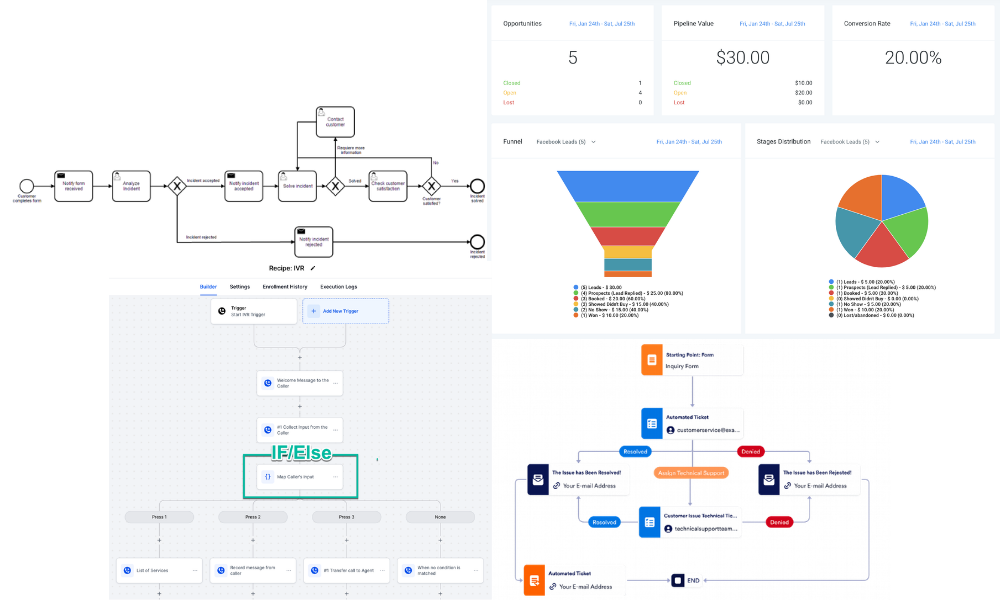
Flow inside LeadMagno (GHL):
Inquiry → Opportunity Created → Ticket Pipeline → Assigned → In Progress → Resolved → Follow-Up
👉 Everything is centralized inside one CRM.
🧱 Step 1: Create a Ticket Pipeline in GoHighLevel
In LeadMagno:
Go to Opportunities → Pipelines
Create a new pipeline:
👉 “Support Tickets” or “Service Requests.”
Suggested Stages:
New Ticket
Assigned
In Progress
Waiting on Customer
Resolved
💡 This pipeline becomes your ticket dashboard
🔗 Step 2: Use Opportunities as Tickets
In GHL:
👉 Each Opportunity = One Ticket
When a customer reaches out:
Create an opportunity
Assign it to a pipeline
Add notes, tags, and details
👉 This replaces traditional ticket IDs.
⚡ Step 3: Automate Ticket Creation (LeadMagno Power)
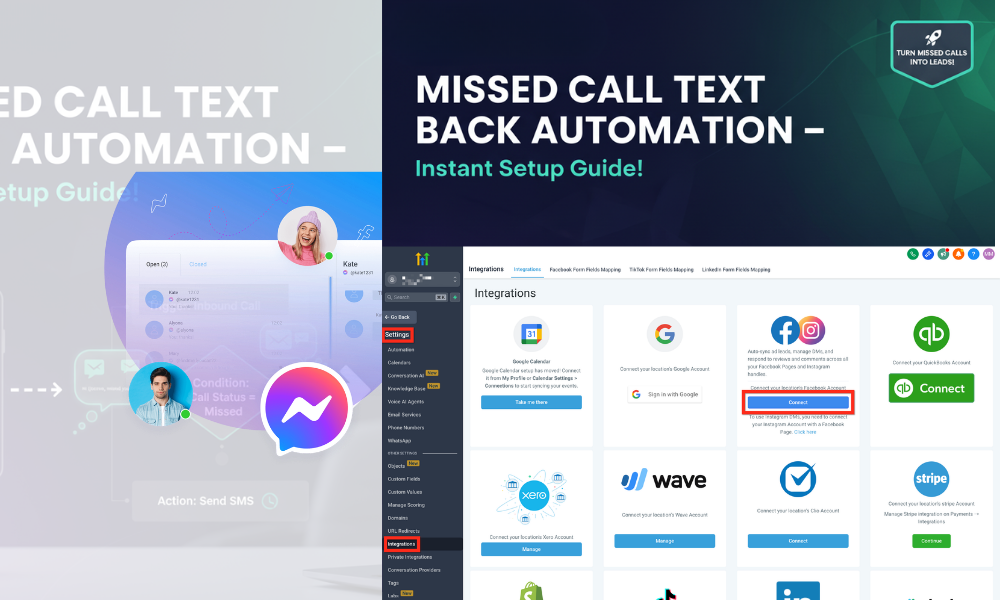
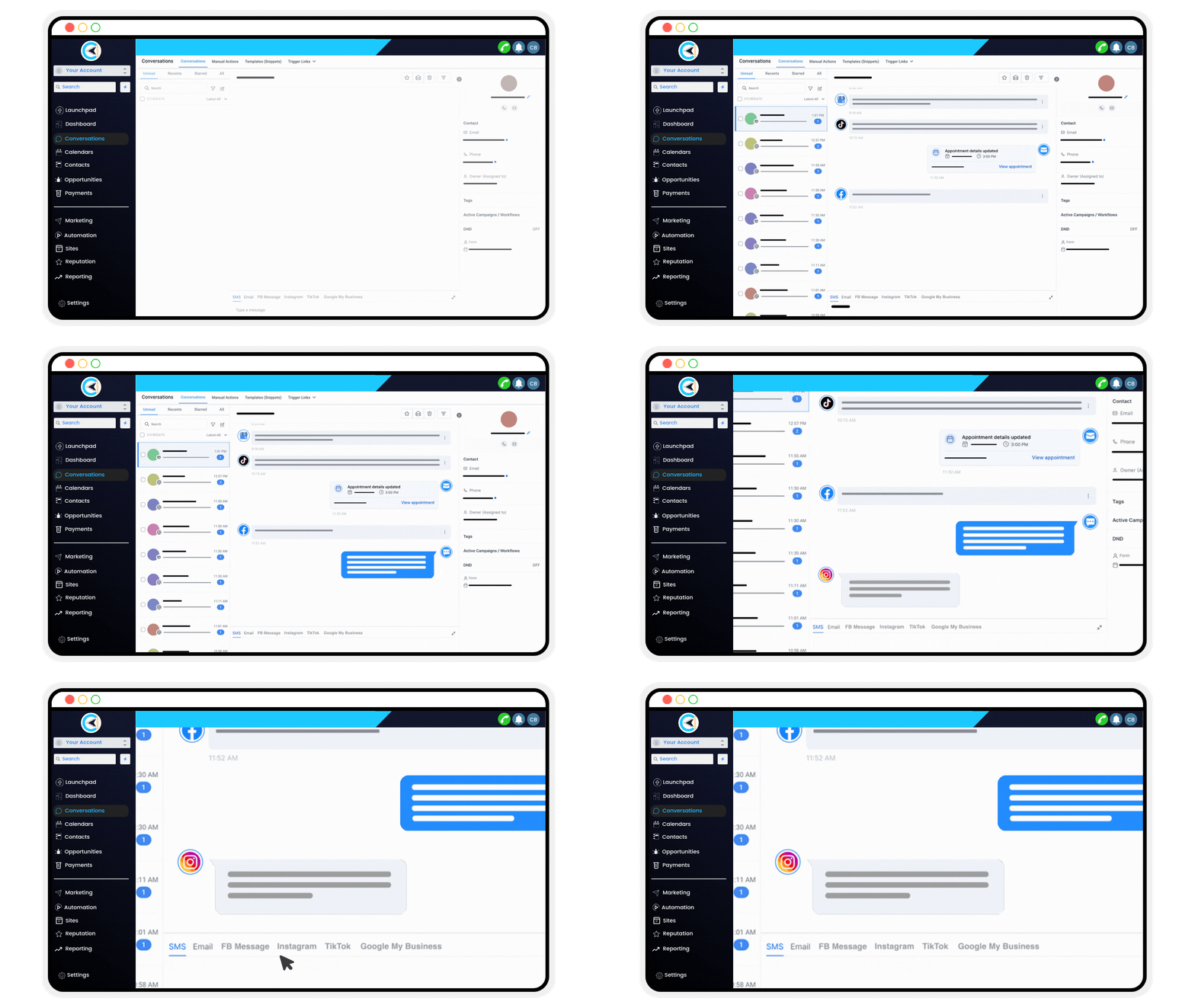
Inside LeadMagno, you can automatically create tickets from:
📞 Missed Calls
Trigger: Missed call
Action: Send SMS → Create opportunity
💬 SMS Conversations
New message → create/update ticket
📩 Emails
Incoming email → trigger workflow
🌐 Website Forms
Form submission → create ticket
📱 Social Media
Facebook / Instagram messages
👉 Result:
✔ No manual entry
✔ No missed leads
✔ Instant tracking
⏱️ Step 4: Set Up SLA Using Workflows
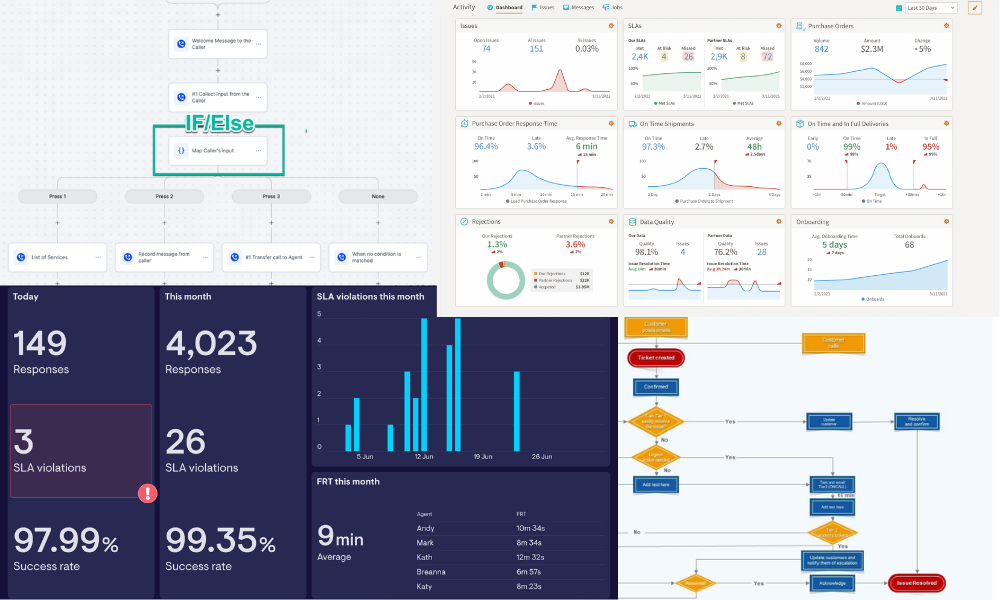
GHL doesn’t have an “SLA” built in…
👉 But you can simulate it using workflows
Example SLA Setup:
If ticket in “New” > 2 hours → notify team
If not resolved in 24 hours → escalate
Add tag: “Overdue Ticket.”
👉 This ensures:
Faster response
Better accountability
Improved customer experience
🔁 Step 5: Automate Ticket Assignment
Inside workflows:
Use Round Robin Assignment
Assign based on:
team member
service type
location
👉 This eliminates confusion and delays.
📊 Step 6: Track Ticket Performance (KPIs in GHL)
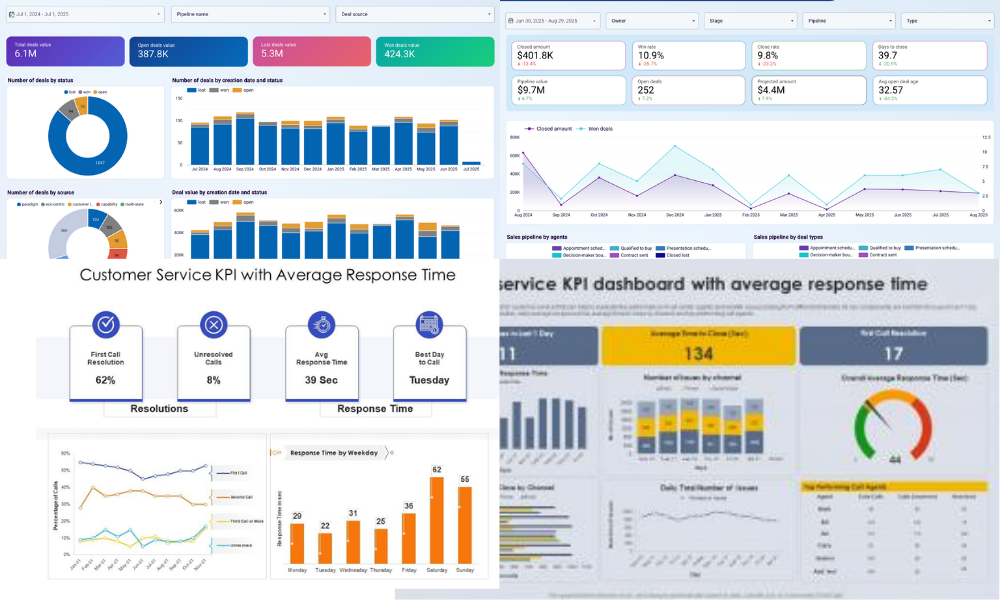
Use GHL dashboards to track:
Number of open tickets
Time in each stage
Resolution rate
Conversion from ticket → sale
👉 This turns your support system into a data-driven engine
💰 Step 7: Turn Tickets into Revenue
Here’s where LeadMagno wins.
Traditional help desks:
❌ Only solve problems
LeadMagno:
✔ Solves problems
✔ Follows up automatically
✔ Converts into deals
Example:
Customer inquiry → ticket
Ticket resolved → follow-up SMS
Offer sent → deal closed
👉 One system. Full lifecycle.
🏢 Real Use Cases
🏡 Real Estate
Buyer inquiry → ticket
Follow-up → showing → closing
🔧 Contractors
Missed call → auto ticket
Assigned → job scheduled
📈 Agencies
Client request → ticket
Managed → delivered → upsell
🚀 Final Thoughts
You don’t need:
❌ Separate help desk
❌ Complex software stack
With LeadMagno (GHL), you can build:
✔ Ticketing system
✔ Automation engine
✔ Revenue pipeline
All in one place.
📞 Want This Built for You in LeadMagno?
We’ll set up:
✔ Ticket pipeline
✔ Missed call automation
✔ SMS + email workflows
✔ SLA system
✔ KPI dashboards
👉 Book your strategy call:
https://leadmagno.com/book-a-demo


Facebook
Instagram
X
LinkedIn
Youtube
TikTok