






How to Migrate From Multiple Tools Into One System Without Disruption?
Picture this: you open your laptop in the morning and begin your daily routine.
First, you log into your email marketing tool. Then your CRM. Then your SMS platform. Then your funnel builder. Then your appointment scheduler. And finally your analytics dashboard.Before any real work begins, you’ve already jumped between five or six different tools.This is the reality for many growing businesses today. As companies scale, they often add software to solve immediate needs. Over time, those tools pile up and create a fragmented system that becomes harder to manage.
Eventually, many teams reach the same conclusion: it’s time to consolidate the tech stack.
Why Businesses Are Consolidating Their Tech Stacks in 2026?
Software fragmentation has become one of the biggest operational challenges for modern companies.
Marketing automation, CRM systems, lead capture tools, appointment scheduling, email marketing, SMS messaging, and reporting dashboards often live in completely separate platforms. Each tool comes with its own login, subscription cost, learning curve, and limitations.
Over time, this fragmentation begins to create real business problems.
Inefficiency:
Teams spend valuable time transferring data between tools manually or troubleshooting integrations that fail unexpectedly.
Inconsistent Workflows:
When tools don’t communicate properly, follow-ups may stop working, reports become inaccurate, and leads can fall through the cracks.
Rising Costs:
While each tool might seem affordable individually, the combined subscription costs often become excessive.
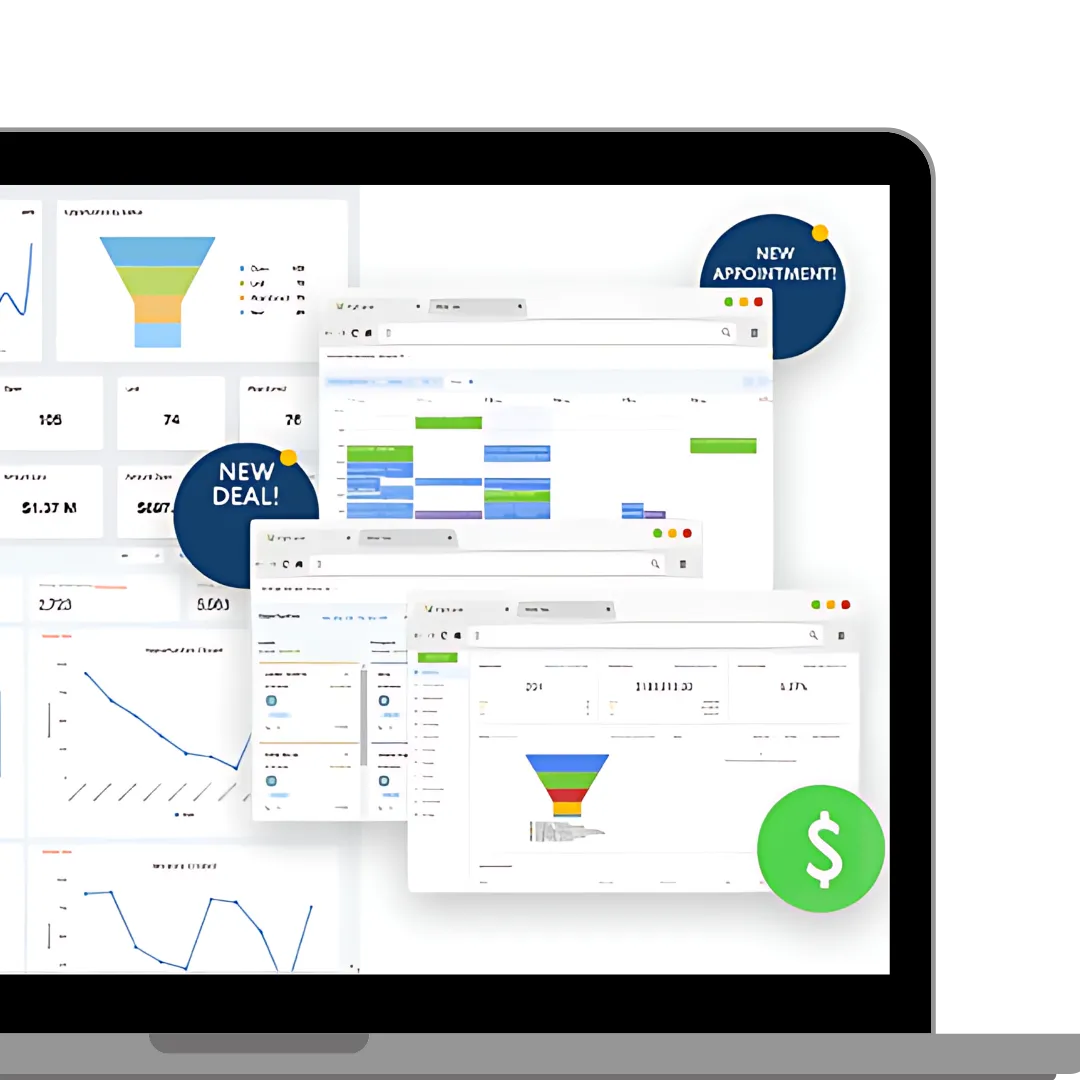
Tech stack consolidation solves these issues by bringing multiple capabilities into a single system. A unified platform improves visibility, reduces manual tasks, and simplifies training for teams.
However, the key to success is executing the migration carefully.
What to Look for in an All-in-One Platform?
Before moving everything into one system, it’s important to evaluate whether the platform can truly replace your current tools.
A strong all-in-one system should include:
Unified CRM
A central database to manage contacts, conversations, deal pipelines, and communication history.
Built-In Automation
Automation workflows should be native to the platform rather than dependent on external integrations.
Multi-Channel Communication
Email, SMS, calls, and messaging should operate from the same system.
Funnel & Form Builders
Landing pages, opt-in forms, and scheduling tools should replace your existing stack.
Reporting & Analytics
Real-time dashboards should provide performance insights without needing separate reporting software.
Onboarding & Support
Reliable onboarding and customer support ensure the migration process stays smooth.
Without these features, switching platforms may simply move complexity from one place to another.
A Step-by-Step Migration Strategy That Minimizes Downtime:
Migrating your systems doesn’t have to interrupt your operations. A structured plan can make the transition seamless.
Step 1: Audit Your Current Tech Stack
Start by identifying:
Every tool currently in use
Monthly software costs
Core workflows and automation processes
Data dependencies between tools
This audit will serve as the foundation for your migration plan.
Step 2: Create a Tool Migration Plan
Define what your new platform needs to replicate and improve.
Document:
Lead capture workflows
Sales pipelines
Email or SMS sequences
Reporting requirements
User roles and permissions
Planning ahead prevents confusion during migration.
Step 3: Clean and Prepare Your Data
Before importing contacts into your new CRM, clean your data.
Remove duplicates, standardize fields, and archive outdated contacts. Clean data makes the migration easier and ensures accurate reporting.
Step 4: Rebuild Workflows Before Switching
Rather than switching immediately, recreate your essential systems in the new platform first.
Set up:
Funnels and forms
Email campaigns
SMS automation
Pipeline stages
Appointment scheduling
Once everything is ready, traffic can be redirected safely.
Step 5: Run Both Systems in Parallel
For a short period, keep both the old and new systems active.
Verify that:
Leads are captured properly
Automation triggers work correctly
Notifications are delivered
Reports remain accurate
This safety period minimizes risk.
Step 6: Transition Fully and Remove Old Tools
Once everything is tested, redirect all traffic to the new platform and gradually cancel old subscriptions.
A phased approach helps ensure business continuity.
Addressing Common Concerns About Migration
Many businesses hesitate to consolidate tools due to fear of disruption.
Common concerns include:
Losing customer data
Breaking automation sequences
Team resistance to new systems
Leads being lost during migration
These concerns are valid, but with a structured migration strategy and proper testing, they can be avoided.
Using HighLevel to Replace Multiple Tools:
HighLevel has become a popular option for businesses and agencies looking to consolidate their tech stack.The platform combines CRM, marketing automation, funnels, scheduling, messaging, and reporting into a single environment.
Typical migration steps include:
Replacing Forms & Landing Pages
HighLevel’s built-in page builder allows you to recreate lead capture pages, booking forms, webinar registrations, and more.
Centralizing CRM Data
Contacts can be imported via CSV or integrations. Pipeline stages can also be customized to match your existing sales process.
Migrating Email & SMS Automation
Existing marketing sequences can be rebuilt inside the platform using workflow automation tools.
Consolidating Scheduling
Appointment booking, reminders, and calendar syncing are managed directly within the system.
Managing Reviews & Reputation
HighLevel also supports automated review requests and reputation management features.
Where LeadMagno Fits Into This Process?
Platforms like HighLevel provide the infrastructure for consolidation, but businesses still need strategies to implement and optimize these systems effectively.
This is where solutions like LeadMagno come in.
LeadMagno helps businesses streamline CRM, marketing, and automation workflows by building efficient systems that capture leads, nurture prospects, and automate follow-ups across channels.
Whether you’re replacing multiple tools or launching a new automated sales pipeline, LeadMagnet provides strategic implementation and optimization.
You can explore more about their solutions here: 👉 https://leadmagno.com/
Conclusion: Simplify Your Tech Stack for Long-Term Growth
Managing multiple disconnected tools may work temporarily, but over time it leads to inefficiencies, rising costs, and operational blind spots.
Consolidating your stack into a single platform improves visibility, automation, and team productivity. With the right migration plan, businesses can transition smoothly without disrupting workflows or losing data.
Solutions like HighLevel provide the infrastructure, while platforms such as LeadMagnet help businesses design smarter systems that align CRM, marketing, and automation into one streamlined operation.
Consolidate once — and move forward with clarity.
FAQs
How do I migrate from multiple tools to one CRM system?
Start with a complete tech stack audit, develop a migration plan, clean your data, rebuild workflows in the new system, test both systems in parallel, and transition gradually.
What is the safest way to migrate customer data?
Export data in structured formats, clean duplicates, map fields carefully, and verify imports before shutting down the old system.
How long does CRM migration usually take?
Small migrations may take one to two weeks, while larger systems can take several weeks depending on complexity.
Can HighLevel import contacts and automation workflows?
Yes, HighLevel supports contact imports, automation rebuilding, and structured migration guidance.
How can I help my team adapt to a new platform?
Provide onboarding sessions, document workflows, and implement the new system gradually to ensure a smooth transition.
What mistakes should businesses avoid during migration?
Skipping planning, migrating messy data, and shutting down old systems too early are common mistakes.
Do I need a developer to migrate my tools?
Most modern platforms offer visual builders and documentation, allowing business owners to complete migrations without developer support.


Facebook
Instagram
X
LinkedIn
Youtube
TikTok