






How to Set Up SLA Automation in GoHighLevel (GHL Workflow Guide for LeadMagno)
🚀 How to Set Up SLA Automation in GoHighLevel (GHL Workflow Guide for LeadMagno)
🧠 What Is SLA Automation in a CRM? (Featured Snippet Ready)
SLA (Service Level Agreement) automation in a CRM is a system that ensures customer requests are responded to and resolved within a defined time using automated workflows, alerts, and escalations.
👉 In LeadMagno (powered by GoHighLevel CRM), SLA is not a built-in feature…
But you can build it using workflows, pipelines, and triggers—and make it even more powerful.
❗ Why SLA Automation Matters
Without SLA:
Leads wait too long
Support requests get ignored
Team accountability drops
👉 Result:
Lost revenue
Poor reviews
Low customer trust
🔄 How SLA Automation Works in GHL
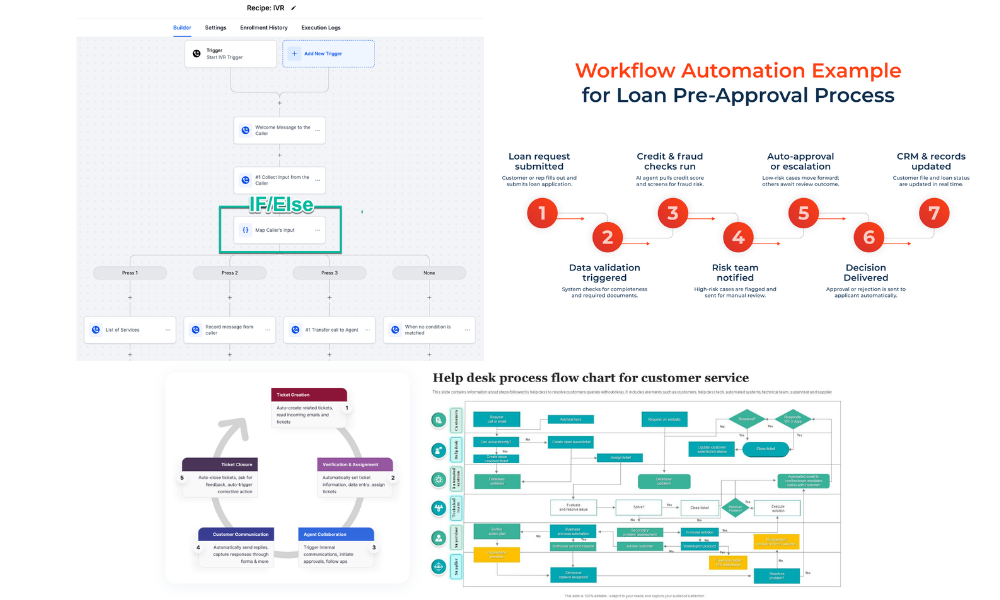
Flow:
Ticket Created → Timer Starts → Condition Check → Action (Notify / Escalate / Tag)
👉 Everything runs automatically.
🧱 Step 1: Define Your SLA Rules
Start with simple rules:
Example SLA:
New ticket → respond within 1 hour
In-progress → resolve within 24 hours
High priority → respond within 30 minutes
👉 Keep it realistic and aligned with your team capacity.
🔗 Step 2: Use Pipelines to Track SLA Stages
In LeadMagno:
👉 Each pipeline stage = SLA phase
Example:
New
Assigned
In Progress
Waiting
Resolved
📌 New here?
👉 Learn setup: GHL ticketing system guide
👉 Understand structure: pipeline ticket system in GHL
⚡ Step 3: Build SLA Workflows in GoHighLevel
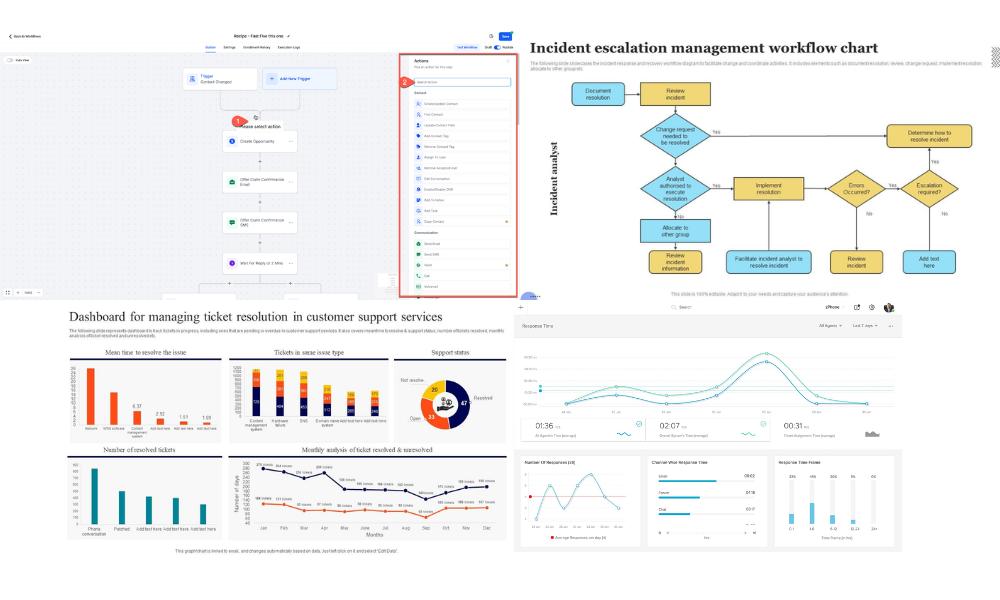
Inside workflows:
🔹 Trigger:
Opportunity created
Stage = “New Ticket”
🔹 Add Delay:
Wait 1 hour
🔹 Condition:
If still in “New Ticket.”
🔹 Action:
Send notification
Assign task
Tag as “SLA Breach”
👉 This ensures no ticket is ignored
⏱️ Step 4: Add Escalation Logic
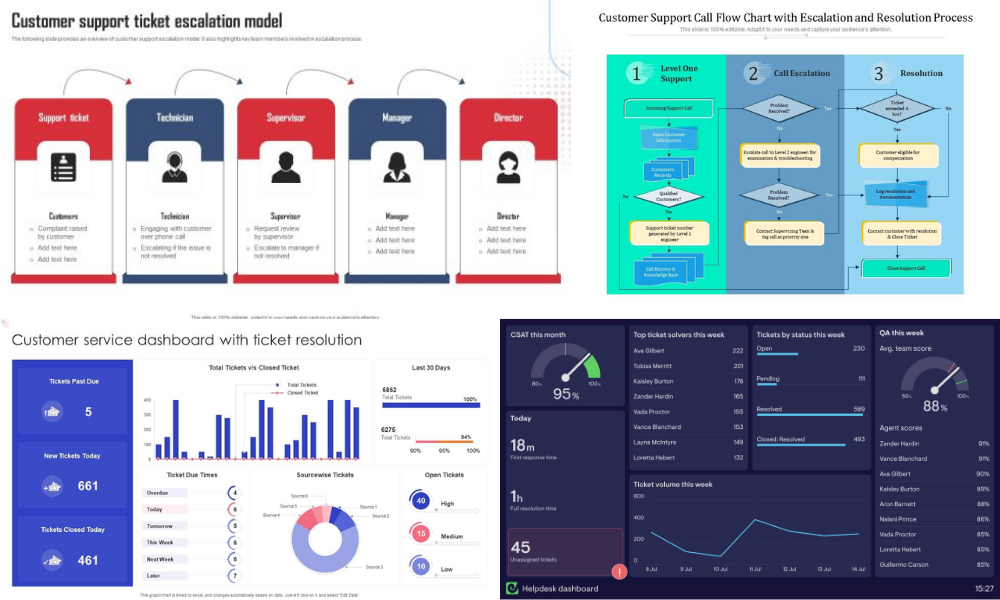
Escalation example:
1 hour → notify agent
3 hours → notify manager
24 hours → escalate priority
👉 You create a multi-level accountability system
🔁 Step 5: Use Tags & Smart Lists for SLA Tracking
Use tags like:
SLA Pending
SLA Breached
High Priority
👉 This helps:
Filter tickets
Build dashboards
Track performance
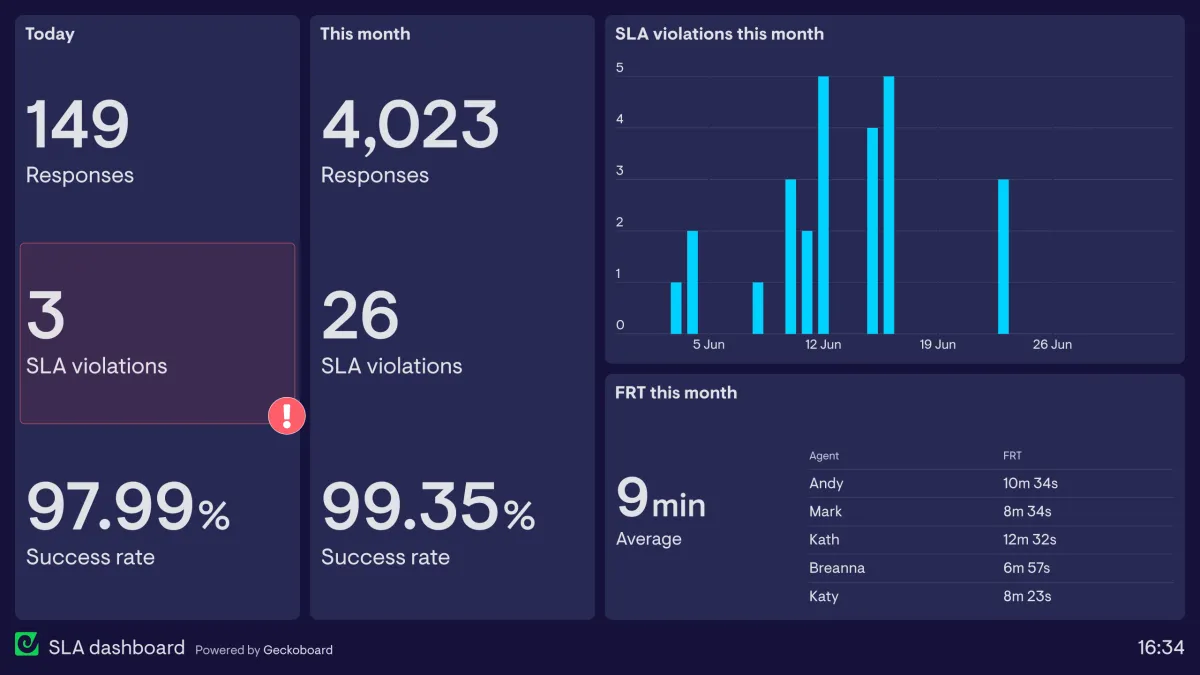
📊 Step 6: Track SLA KPIs
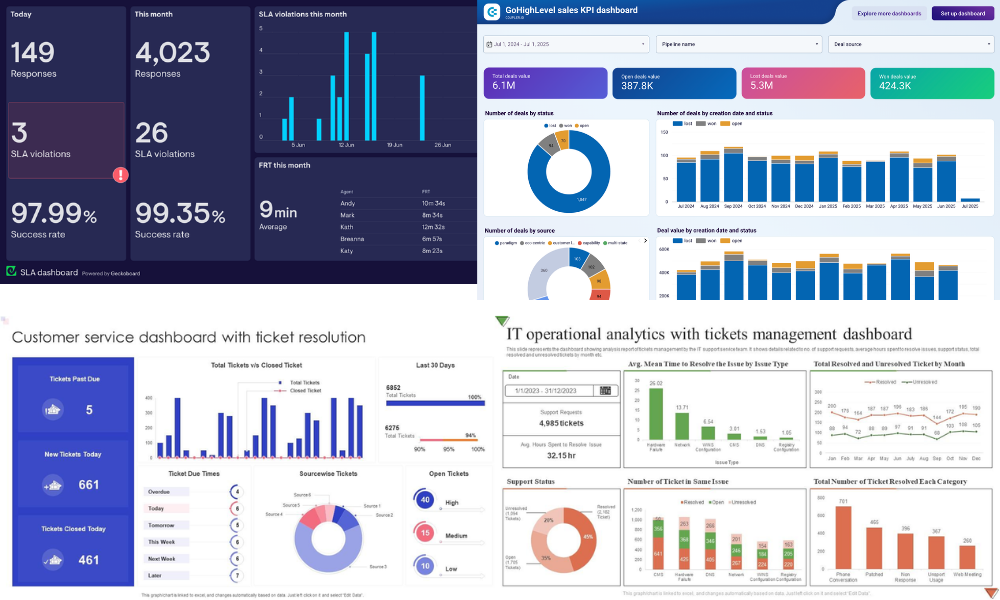
Track:
Response time
Resolution time
SLA breaches
Ticket backlog
👉 Learn more:
CRM KPIs guide
Support KPIs tracking
⚡ Advanced SLA Automation (LeadMagno Power)
Take it further:
Auto-reply to customers
Send updates via SMS/email
Move pipeline stages automatically
Trigger follow-ups after resolution
👉 Also integrate:
Multi-channel automation in GHL
💰 SLA + Automation = More Revenue
Here’s the hidden benefit:
Fast response = higher conversions
Example:
Lead inquiry → instant response
SLA enforced → fast follow-up
Follow-up → booked call → deal
👉 SLA is not just support—it’s sales acceleration
🚀 Final Thoughts
You don’t need complex systems to manage SLA…
👉 With LeadMagno + GoHighLevel, you can:
✔ Track tickets
✔ Enforce response times
✔ Automate escalation
✔ Improve performance
All inside one platform.
📞 Want SLA Automation Built for You?
We’ll set up:
✔ SLA workflows
✔ Ticket pipelines
✔ Multi-channel automation
✔ KPI dashboards
👉 Book your demo:
https://leadmagno.com/book-a-demo
Or explore the platform yourself:
👉 GoHighLevel CRM
❓ FAQ (Featured Snippet Optimized)
❓ What is SLA in CRM?
An SLA in a CRM defines the expected response and resolution times for customer requests, ensuring timely service.
❓ Does GoHighLevel have an SLA built in?
No, GoHighLevel does not have native SLA features, but you can fully automate SLA using workflows and triggers.
❓ How do you automate SLA in GHL?
You create workflows with triggers, delays, conditions, and actions to monitor and enforce response times.
❓ Why is SLA important for businesses?
SLA improves response time, increases customer satisfaction, and boosts conversion rates.


Facebook
Instagram
X
LinkedIn
Youtube
TikTok