







How to Use Pipelines as a Ticketing System in GoHighLevel
🚀 How to Use Pipelines as a Ticketing System in GoHighLevel (LeadMagno Guide)
Why GHL Doesn’t Need a Traditional Ticketing System
Most people think:
👉 “I need a help desk to manage tickets.”
But inside LeadMagno (powered by GoHighLevel)…
You already have something more powerful:
👉 Pipelines
Instead of using separate tools, you can turn pipelines into a fully functional ticket management system
🧠 What Is a Pipeline in GoHighLevel?
A pipeline in GHL is designed to:
Track deals
Manage stages
Move opportunities
But here’s the insight:
👉 A pipeline is NOT just for sales
👉 It can manage ANY process—including tickets
🔄 Pipeline as a Ticketing System (How It Works)

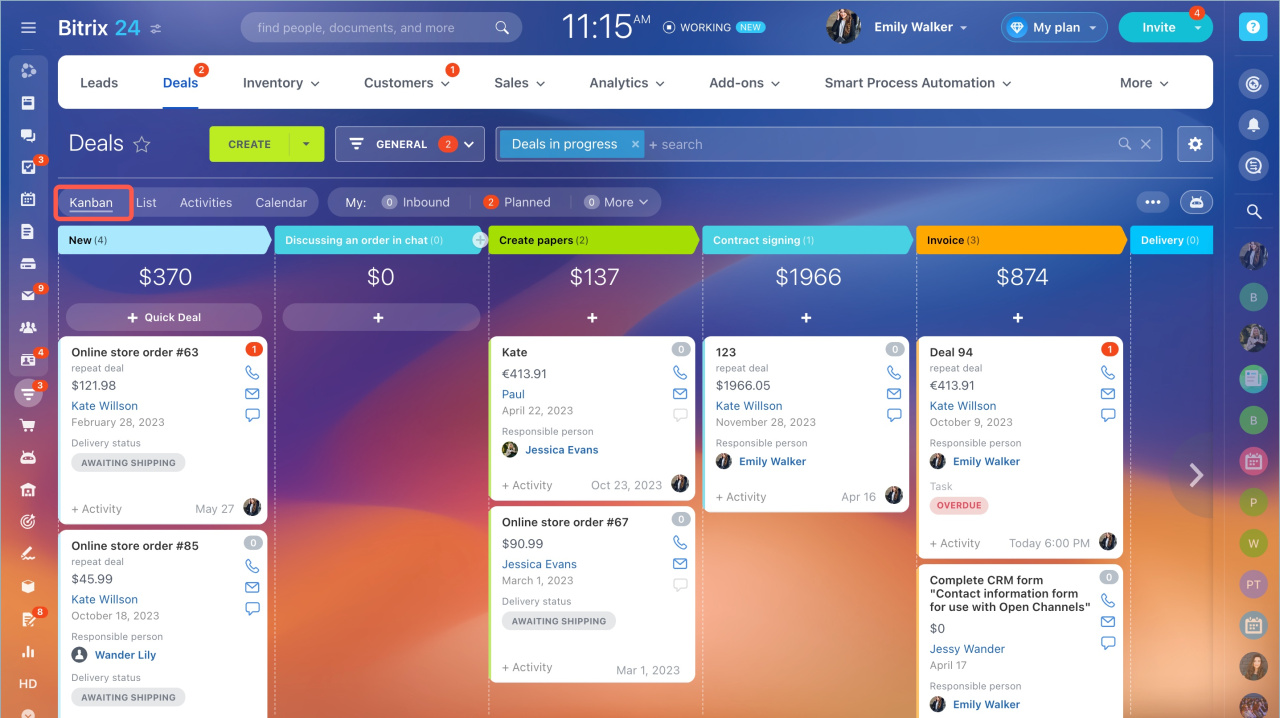
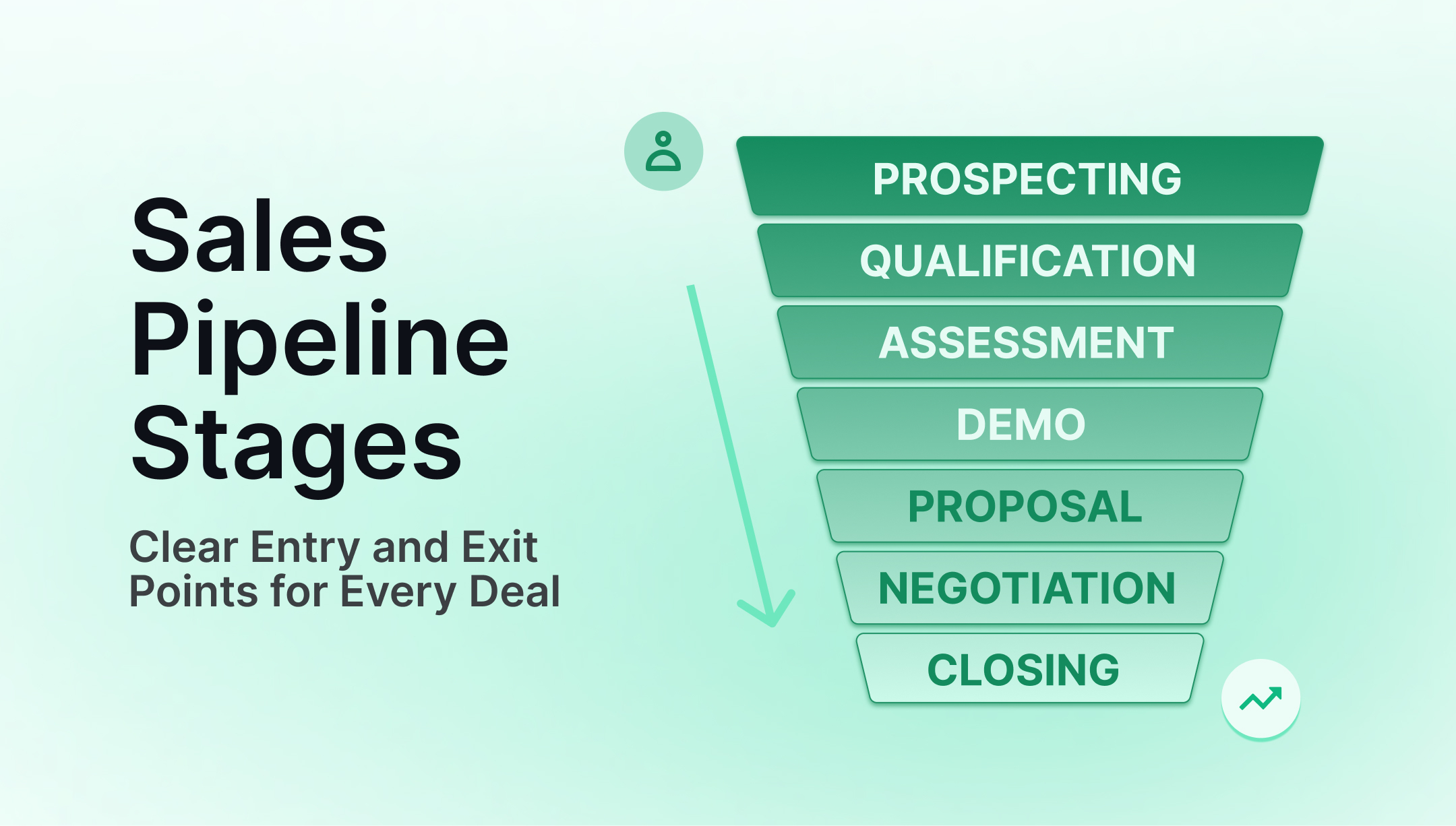
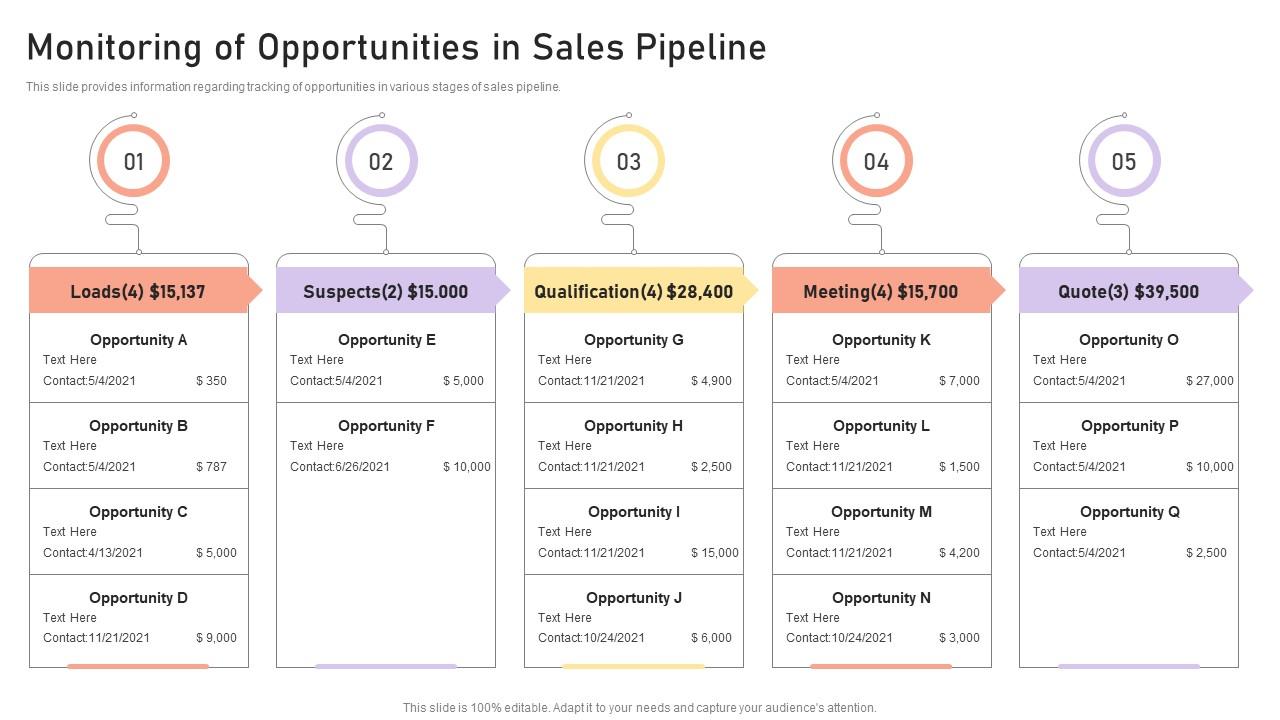
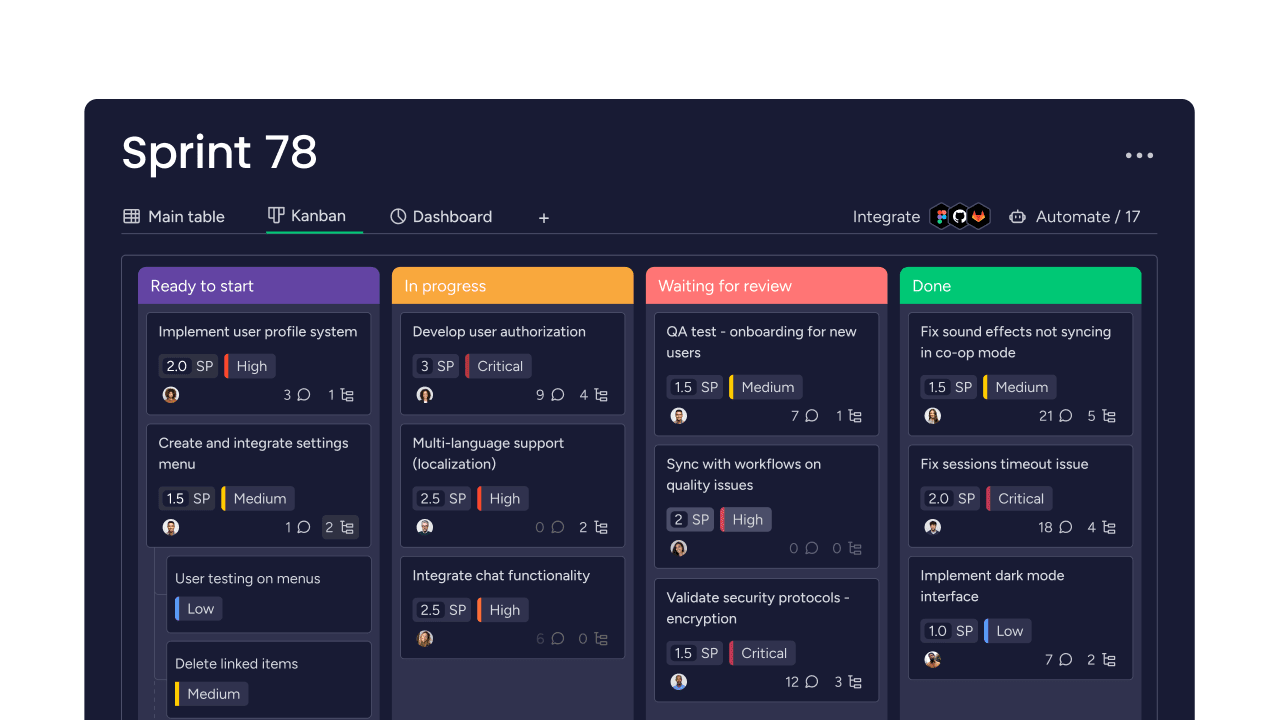
Each stage in the pipeline represents a ticket status
Example:
New Ticket
Assigned
In Progress
Waiting on Customer
Resolved
👉 Each card (opportunity) = one ticket
🔗 Why Pipelines Are Better Than Traditional Tickets
Traditional Help Desk:
Static ticket lists
Limited visibility
Separate system
LeadMagno Pipeline System:
✔ Visual (Kanban-style)
✔ Drag-and-drop stages
✔ Connected to CRM
✔ Fully automated
👉 You see everything at a glance.
🧱 Step 1: Create a Ticket Pipeline in LeadMagno
Inside GHL:
Go to Opportunities → Pipelines
Click Create Pipeline
Name it:
👉 “Support Tickets” or “Service Requests.”
Suggested Pipeline Stages:
New
Assigned
In Progress
Waiting
Completed
💡 Keep it simple to start.
🔁 Step 2: Use Opportunities as Tickets
Each opportunity = one ticket
When a customer reaches out:
Create opportunity
Add contact
Assign owner
Add notes
👉 This replaces traditional ticket IDs.
👉 New here?
Learn the full setup:
“how to build a ticketing system in GHL” (Internal link to Blog #1)
⚡ Step 3: Automate Pipeline Movement


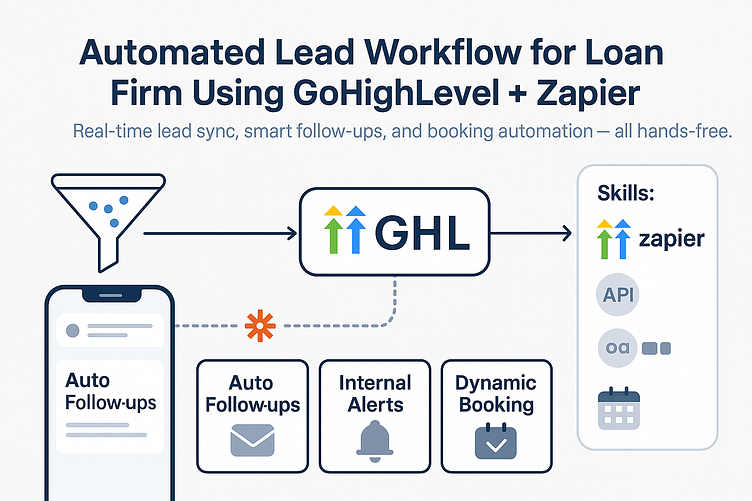
This is where GHL becomes powerful.
Use workflows to:
Move ticket from “New” → “Assigned.”
Move to “In Progress” when replied
Move to “Resolved” after completion
👉 No manual updates needed.
⏱️ Step 4: Add SLA Using Pipeline + Workflows
Pipelines track movement.
Workflows enforce timing.
Example:
Ticket in “New” for 2 hours → notify team
Ticket in “In Progress” for 24 hours → escalate
Auto-tag overdue tickets
👉 Learn more:
“SLA automation in GoHighLevel” (Internal link to Blog #4)
🔗 Step 5: Connect Pipelines to Conversations
Each ticket connects to:
SMS
Calls
Emails
Notes
👉 Everything is inside the contact profile.
💬 Multi-channel advantage:
See how this works:
“multi-channel CRM automation in GHL” (Internal link to Blog #8)
📊 Step 6: Track Pipeline Performance (KPIs)

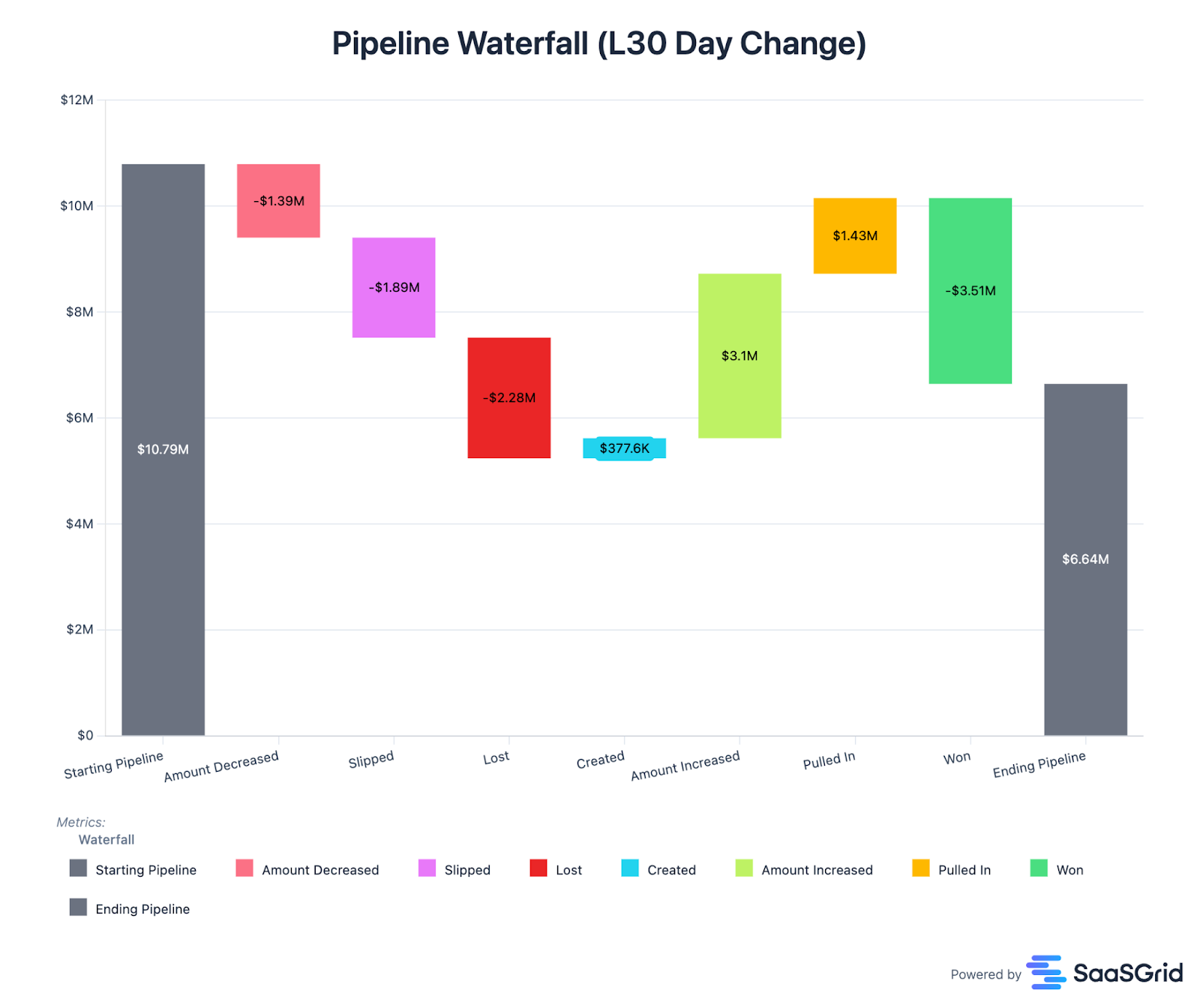

With pipelines, you can track:
Tickets per stage
Time spent in each stage
Resolution rate
Bottlenecks
👉 This is more visual than traditional help desks.
📈 Learn more:
CRM KPIs guide (Blog #12)
Support KPI tracking (Blog #13)
🔁 Step 7: Assign & Manage Team Workload
Pipelines allow you to:
Assign tickets to team members
Filter by owner
Track workload
👉 Managers get full visibility instantly.
⚖️ Pipeline vs Traditional Ticketing System
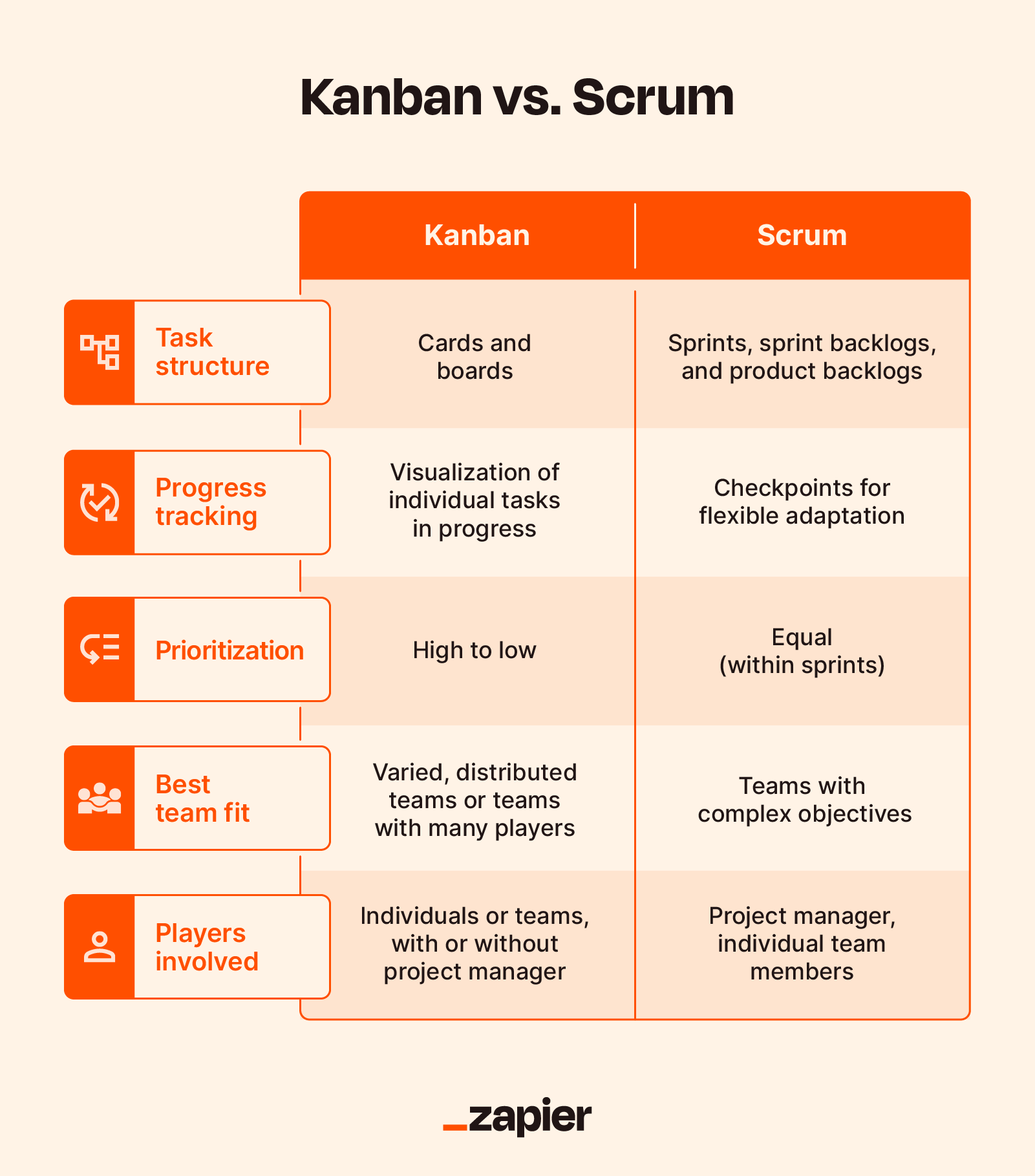


FeatureTraditional TicketsGHL PipelinesViewListVisual BoardMovementManualAutomatedContextLimitedFull CRMFlexibilityLowHighRevenue Tracking❌✔
💰 The Real Advantage: Pipeline = Revenue Engine
This is the key difference.
In LeadMagno:
👉 A ticket is NOT just support
👉 It’s an opportunity
Example:
Inquiry → Ticket
Ticket → Follow-up
Follow-up → Deal
👉 Same pipeline. More revenue.
🏢 Real Use Cases
🏡 Real Estate
Buyer inquiries → pipeline
Move to showing → closing
🔧 Contractors
Missed call → ticket
Assigned → job completed
📈 Agencies
Client request → task pipeline
Managed → delivered
🚀 Final Thoughts
You don’t need a separate ticketing system…
👉 You need to use pipelines correctly
With LeadMagno (GHL), you get:
✔ Ticket management
✔ Automation
✔ CRM integration
✔ Revenue tracking
All in one place.
📞 Want a Ready-to-Use Pipeline System?
We’ll build:
✔ Ticket pipelines
✔ Workflow automation
✔ SLA tracking
✔ Multi-channel integration


Facebook
Instagram
X
LinkedIn
Youtube
TikTok